
Owlfy vs. OpenClaw AI: why local-first wins on safety — and on setup.
OpenClaw proved an AI agent can run your desktop. It didn't prove that doing so is safe by default, or that anyone outside a developer's terminal could get it running. Owlfy was built to fix both.
Giving an AI agent control of your computer is a trust decision before it's a productivity decision. OpenClaw AI — the open-source framework that lets a model browse, edit files, and run scripts directly on your machine — asks you to make that trust decision yourself, then manage the consequences. Owlfy was designed around the opposite premise: safety should be architecture, not a setting you have to remember to configure. It's also a far easier road to the same destination — a private AI assistant that's ready in minutes, not days.
ArchitectureLocal-First, Privacy-First, No Cloud — By Design
Owlfy lives locally and physically on your desktop. It does not "live" in the cloud, so every operation — especially anything touching your local or offline files — is processed on your machine. None of your files are ever processed off-device.
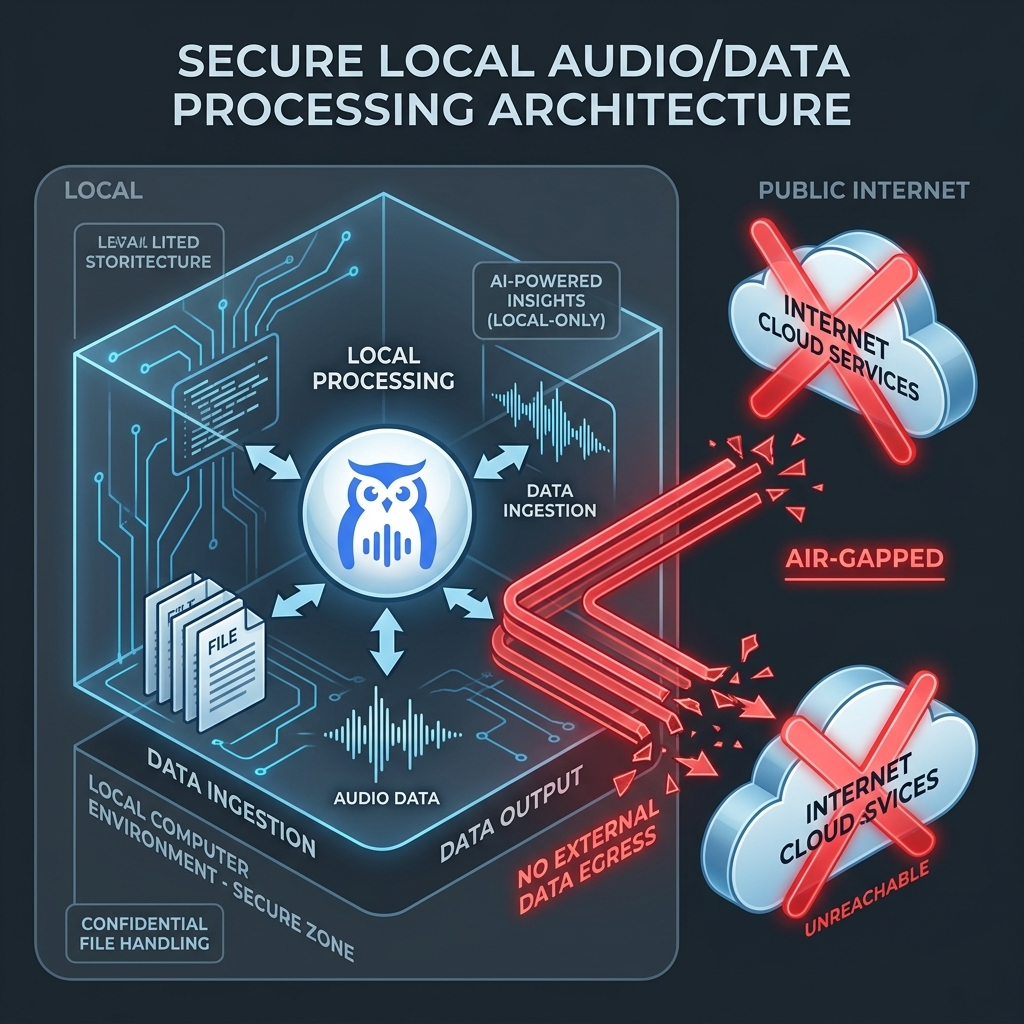
- Local documents stay local All file operations run on your hardware, not a remote pipeline.
- Zero-retention cloud, local storage No model training on your data. Conversations, Smart Phrases, and Voices stay on your device unless you explicitly choose to upload them — and Owlfy warns you first.
- Your voice, your privacy Voice is used only for real-time recognition. It is never stored and never used to train a model.
- Built-in safety as core architecture Owlfy accesses only folders you've explicitly authorized, and never deletes, moves, or restarts anything without your confirmation.
- Zero exposed public APIs No externally callable endpoint exists. Access runs only through authenticated frontends you control.
Put together, this is what makes Owlfy one of the more credible candidates for best AI personal assistant for anyone who has to think about where their data actually goes: the answer is simply "nowhere but here."
The RiskWhy OpenClaw AI Carries More Risk Than Most Users Realize
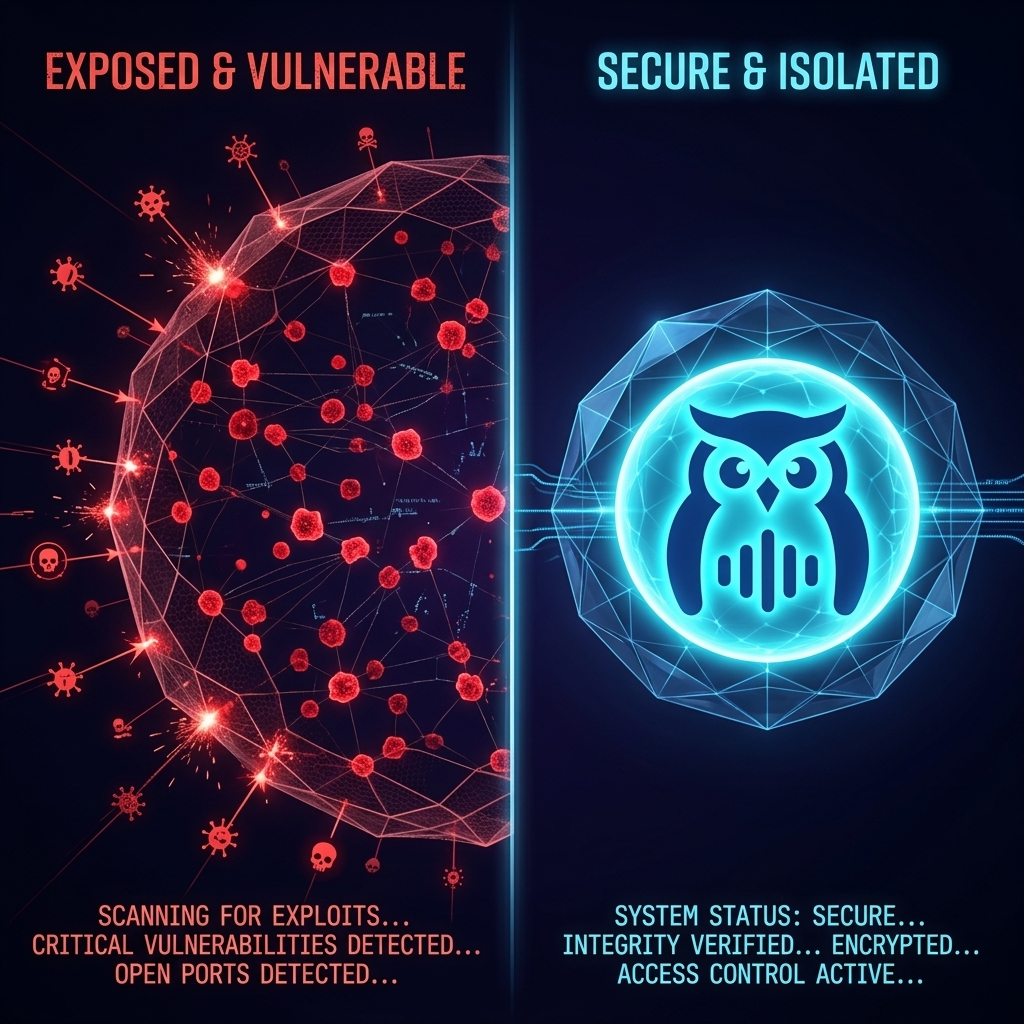
OpenClaw's capability is real. So is its exposure. Security researchers at SecurityScorecard documented 40,214 exposed OpenClaw instances reachable on the open internet as of February 2026 — and rising. (Source) — installations left without the access controls their own documentation recommends. OpenClaw has no built-in safety checks for high-risk actions; whatever guardrails exist are the ones the user remembered to configure.
There's also where your data goes. OpenClaw routes actions through commercial cloud AI APIs by default, meaning file content and instructions leave your device for processing. For a developer comfortable auditing that pipeline, this is a known tradeoff. For most people, it's an invisible one.
"OpenClaw proves that AI having claws is the future. But cool does not equal usable, open-source does not equal safe, and free does not equal affordable."
This is the gap a private AI assistant is supposed to close, and it's exactly where OpenClaw, by its own self-hosted design, asks the most of its users and gives back the least protection by default.
Side by SideOwlfy vs. OpenClaw AI: Safety, Side by Side
| Dimension | OpenClaw AI | Owlfy |
|---|---|---|
| Where files are processed | Routed through commercial cloud AI APIs | 100% local — nothing leaves the device |
| Public attack surface | ~40,214 exposed instances documented | Zero exposed public APIs |
| High-risk actions (delete, move, restart) | No built-in confirmation step | Always requires explicit user confirmation |
| Folder access | User-managed access control | Only folders you explicitly authorize |
| Voice / data retention | Not applicable — text/cloud based | Voice never stored, zero-retention cloud |
| Who manages the security posture | The user, manually | Owlfy, by architecture |
None of this means OpenClaw is reckless by intent — it's a developer tool, built for people who expect to configure their own security. Owlfy is built for the much larger group of people who shouldn't have to.
Want the full feature-by-feature comparison? Compare Owlfy vs. OpenClaw side by side →The Setup GauntletHow Do You Use OpenClaw AI? The Setup Most People Never Finish
If you're searching how to use OpenClaw AI, here's the honest version: install Python, install Node.js, install a collection of dependency packages, generate and manage your own API keys, and configure your security posture before you run your first command. For a developer, that's a routine afternoon. For most people, it's a full day of troubleshooting — on a good day — before they've automated anything at all.
Then comes the token bill. Every action OpenClaw takes burns cloud API tokens. A single session is manageable; a daily multi-step workflow accumulates costs that catch most users off guard.
Installing Owlfy: Download, Speak, Done
Owlfy removes every one of those steps. There's no Python to install, no Node.js, no environment variables, no API key to generate or rotate. You download Owlfy, open it, and speak. Most people are productive in under three minutes — not because the underlying technology is simpler, but because Owlfy carries the setup complexity itself instead of handing it to you.
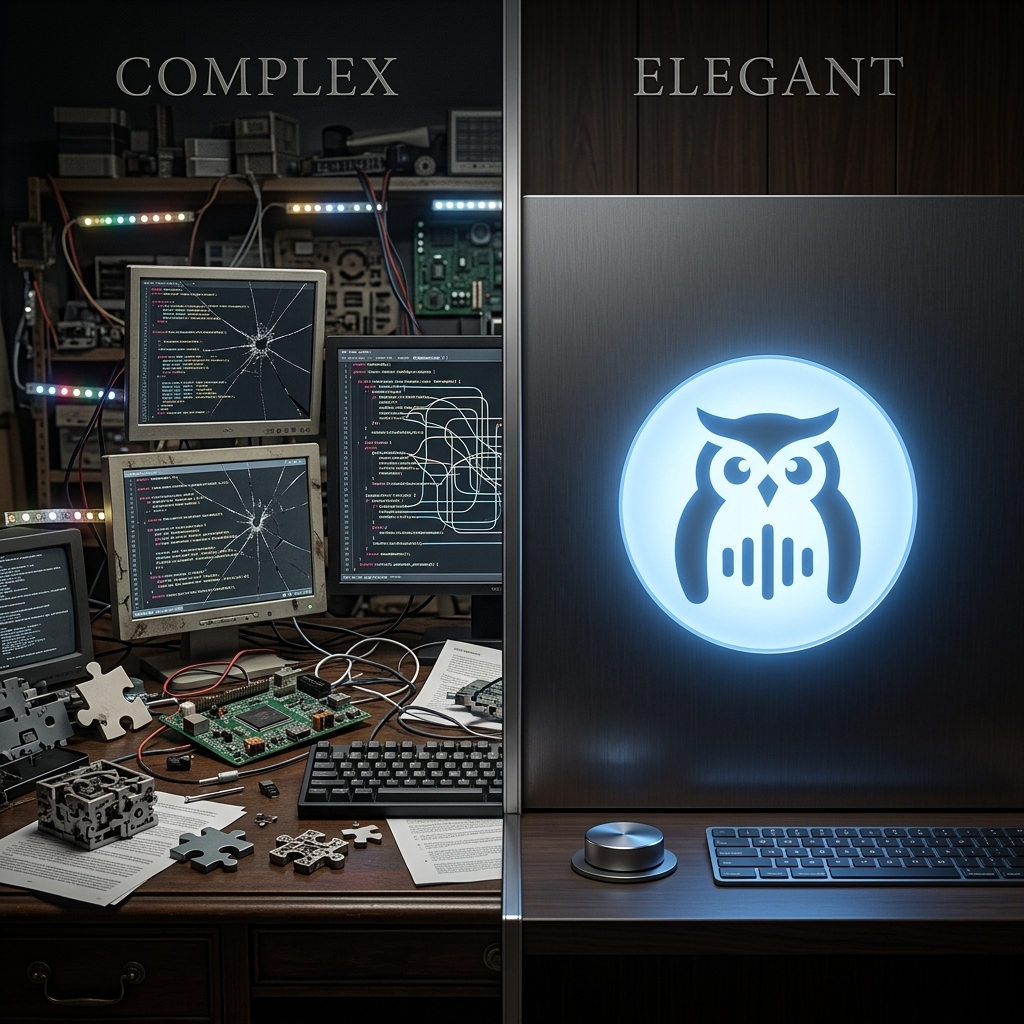
- No environment to configure No Python, Node.js, or dependency chain to install before your first command.
- No API keys to manage Owlfy's local processing means there's no provider key to generate, store, or rotate.
- No token meter running Most everyday actions run locally, with no per-action cloud cost.
- No security checklist Safety is built in, not something you assemble from documentation.
OpenClaw gives developers powerful desktop agent control with significant security risk and high setup complexity. Owlfy gives everyone the same power with built-in safety guarantees and zero setup friction — which is the entire case for it as the best AI personal assistant for people who just want the outcome, not the operations manual.
The safer way to run an AI desktop agent.
No Python. No API keys. No exposed endpoints. Just a private AI assistant that lives where you do — on your desktop.