
AI video editing software that skips the timeline entirely.
Owlfy edits photos, video, and audio the way you'd ask a person to — by describing what you want, in bulk, across a whole folder at once.
Most AI video editing software still assumes you'll sit at a timeline, scrubbing clip by clip. Owlfy assumes the opposite: that you'd rather describe the result and let the editing happen underneath. Select a folder of photos or a batch of clips, hold the voice key, say what you want — enhanced, trimmed, merged, subtitled, scored — and it comes back done.

PhotoBatch Photo Enhancement in One Command
Select every photo in a folder at once — Owlfy applies the same treatment across all of them, consistently, in one pass.

- Smart auto-enhanceBrightness, contrast, denoise, and filters applied automatically across a batch — no per-photo adjustment sliders.
- Batch format & color conversionConvert file formats and adjust color grading across a whole folder in one command.
- Background removal, in bulkStrip the background from an entire batch of product or portrait photos at once.
- Image generationAsk for a new image outright, or generate variations to slot into an existing set.
VideoVideo Editing Without the Timeline
Say what you want done to a clip, or a folder of clips, and Owlfy makes the cut — literally.
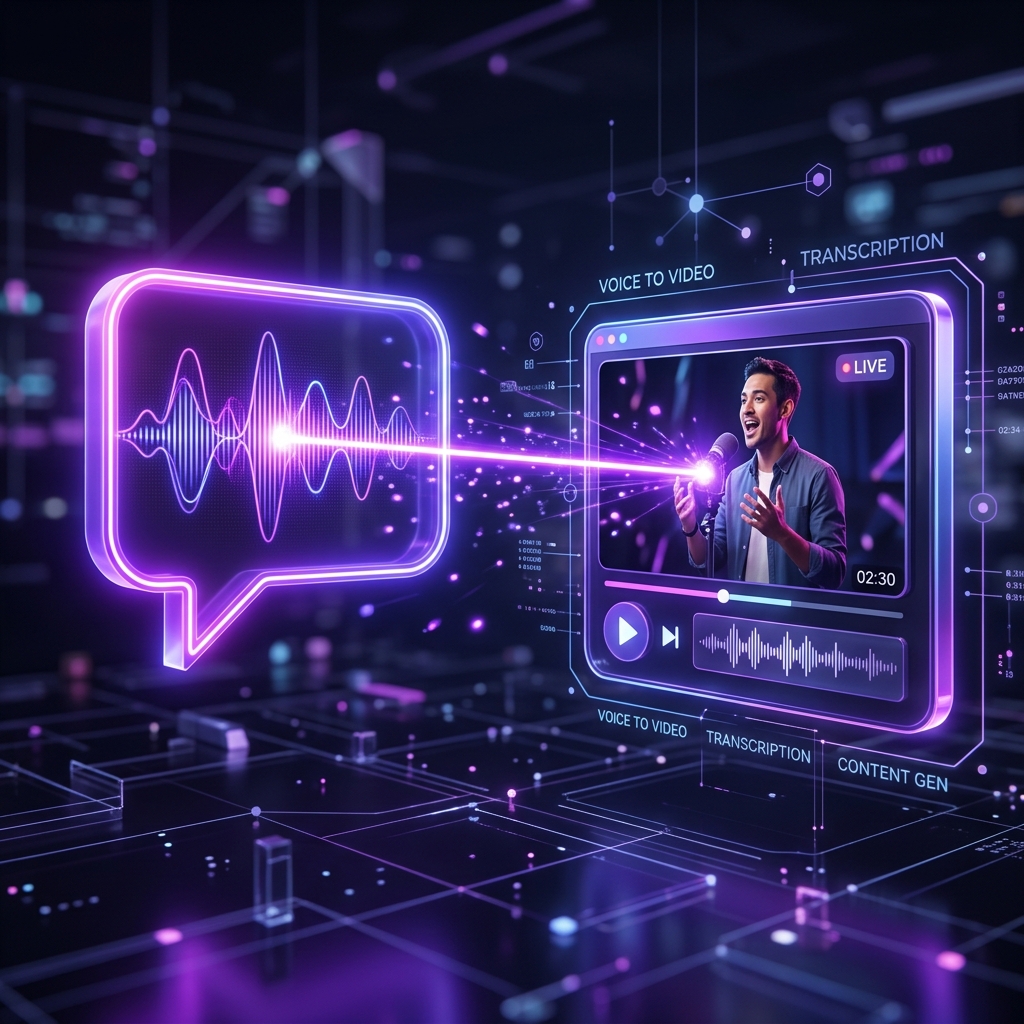
- Filler-word removalOwlfy detects and cuts the "um," "uh," and dead silence automatically, across a whole recording.
- Multi-video merging with smart transitionsCombine several clips into one, with Owlfy choosing transition effects that fit the footage.
- Frame extractionPull any frame out of a video as a standalone image.
- Speed, subtitles & aspect ratioAdjust playback speed, generate subtitles, convert video to GIF, and reformat aspect ratio for a different platform — all by request.
This page focuses on the editing tools themselves — for the full creator scenario, see Owlfy for creators.
AudioMusic, Voiceover & Audio in a Sentence
Audio work gets the same treatment as video — describe the change, Owlfy applies it.
- Background musicAdd a music bed to a video automatically, matched to length.
- Original music generationGenerate a piece of original music from a description, rather than searching a stock library.
- Audio extraction & property editsPull the audio track out of a video as its own file, or adjust volume, pitch, and other audio properties directly.
Finished PostFrom Raw Footage to a Finished Post
The last mile of content creation — turning a folder of raw material into something postable — is also just a sentence away.
- Slideshow creationTurn a folder of photos into a finished slideshow with transitions and timing set automatically.
- Long-image mergingStitch a sequence of images into one continuous long image — the format used for webtoons, chat screenshots, and scrolling social posts.
- Cover & thumbnail generationGenerate a cover frame or thumbnail with a short auto-display window, ready for upload.
- Animation effectsApply motion effects to stills or clips without touching a keyframe editor.
Every step above runs the same way you'd hand it to a person — describe it once, across a whole folder, and Owlfy applies it consistently. If you're regularly moving results between a chat app and your editor, this cross-app workflow is worth a look too.
Editing that keeps up with how fast you create.
Describe the edit once. Owlfy applies it across the whole folder.