
An AI calendar assistant that actually reads your inbox too.
Owlfy treats your email and calendar as one connected picture — summarizing what's there, surfacing what's due, and drafting what you'd say next, all by voice.
Most AI calendar assistant tools only know your calendar. Owlfy also knows your inbox — which is where most of your actual commitments are hiding before they ever make it onto a calendar grid. Ask a question, and Owlfy answers from both at once.
SummarizeSummarize Every Email, Read or Unread
Owlfy doesn't just summarize what you've opened — it can work through unread mail too, so a backlog never has to be read line by line to be understood.

- Whole-inbox summariesAsk for a summary of everything unread since yesterday, or of a specific sender's last month of mail.
- Find and equivalent-search contentAsk "what did the vendor say about pricing" and get the answer pulled from wherever it's buried in the thread history.
- Pattern spottingOwlfy can flag recurring senders, repeated requests, or a sudden change in tone across a thread.
- Inbox triageAsk Owlfy to separate what actually needs a reply today from what can wait.
Action ItemsTurn Inbox Chaos Into a Clear Action List
Deadlines rarely live in one place — half are in an email, half are on the calendar. Owlfy reads both together.
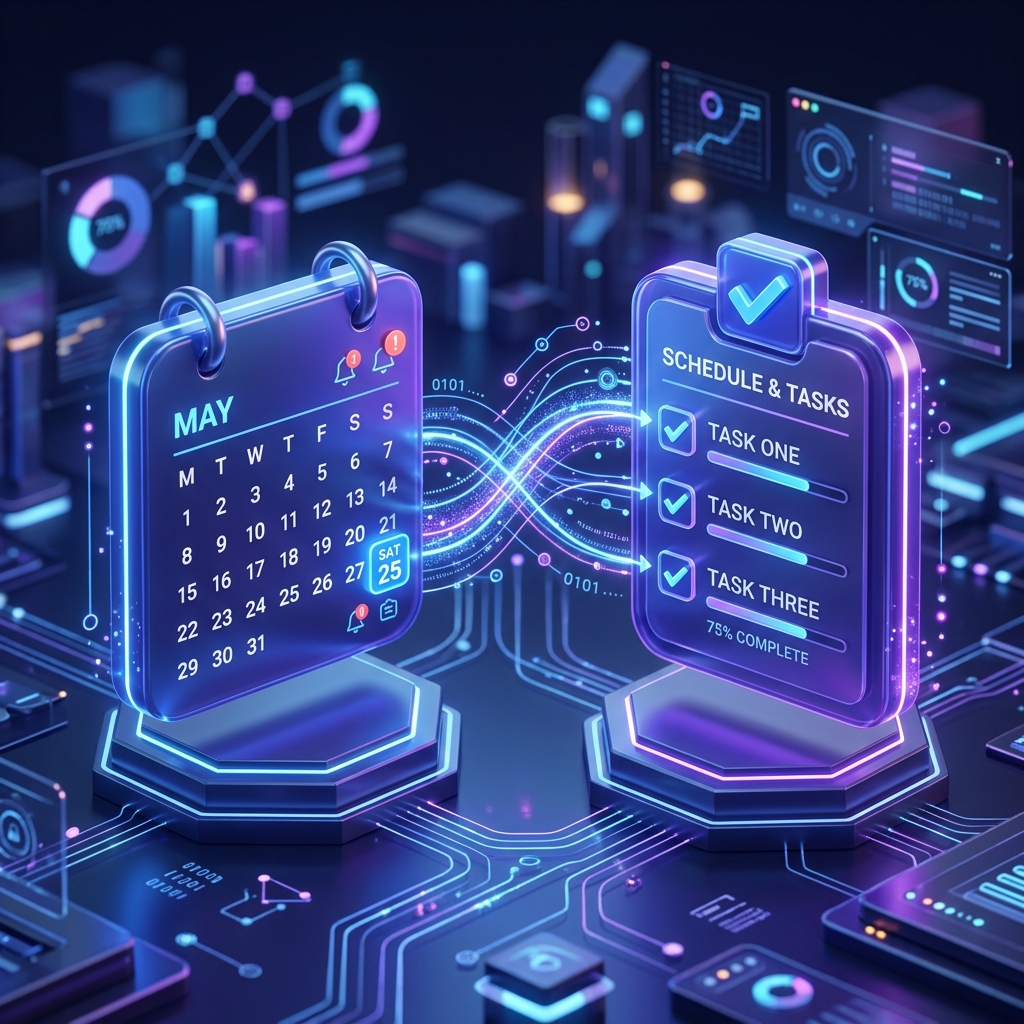
- Action-item listsAsk for every open commitment across this week's email and calendar, and get one list back.
- Conflict detectionOwlfy flags when a calendar commitment contradicts something promised in an email thread.
- Auto-drafted invitesAsk Owlfy to turn an email thread's agreed time into a calendar invite, drafted and ready to send.
This page focuses on the calendar side of things — for the full inbox picture, see Owlfy for office work.
WriteWrite Email That Sounds Like You
Owlfy uses your own inbox as its memory of how you write and who you're writing to — not a generic template.
- Context-aware draftingOwlfy pulls the relevant thread history before drafting, so the reply doesn't ignore what's already been said.
- Tone matchingDraft the same reply in a more formal tone for a client, or a shorter one for a colleague — by voice, on request.
None of this requires uploading your inbox to a third party — the same local-first privacy model that governs the rest of Owlfy applies here too.
Daily BriefsDaily Briefs & Smart Nudges
Some of the most useful output from an inbox assistant doesn't wait to be asked for.
- Daily briefsA short morning summary of what's new in your inbox and what's on today's calendar, delivered without a request.
- Stale-thread nudgesA reminder when something you were meant to reply to has gone quiet for too long.
- Contact recallAsk "what have I discussed with this company before" and get a quick cross-reference across every thread that mentions them.
For the times you're handling this away from your desk, the same daily-brief habit fits neatly into Owlfy's broader multitasking workflows.
Your inbox and calendar, working as one.
Stop switching between the two — let Owlfy read them together.