
Owlfy for Multi-Taskers:
Manage 10 Apps Without Losing Your Focus

Owlfy for Multi-Taskers — voice waveform completing tasks across multiple screens while you stay focused.
The average knowledge worker manages over 10 applications simultaneously. Email. Browser tabs. Slack. Documents. Spreadsheets. Design tools. Project boards.
"Multi-tasking is not the problem — it is the reality of modern work. The problem is what multi-tasking costs: every application switch consumes attention that takes time to recover."
Owlfy is built for people who manage many things at once. Its AI productivity model for multi-taskers is simple: your voice handles the background while your hands and eyes handle the foreground. You stay on what matters. Owlfy handles the rest.
"Multi-tasking is challenging, we don't want to do it — but we still do it. So let Owlfy help you out a little."
Owlfy for Multi-Taskers
Voice AI Multi-Tasking:The Core Model
Delegation without interruption. Handle secondary tasks without leaving your primary window.
Stay in Flow
When you hold the voice key and speak while working, Owlfy treats it as a background task. The result arrives without you ever moving your hands from your current application.
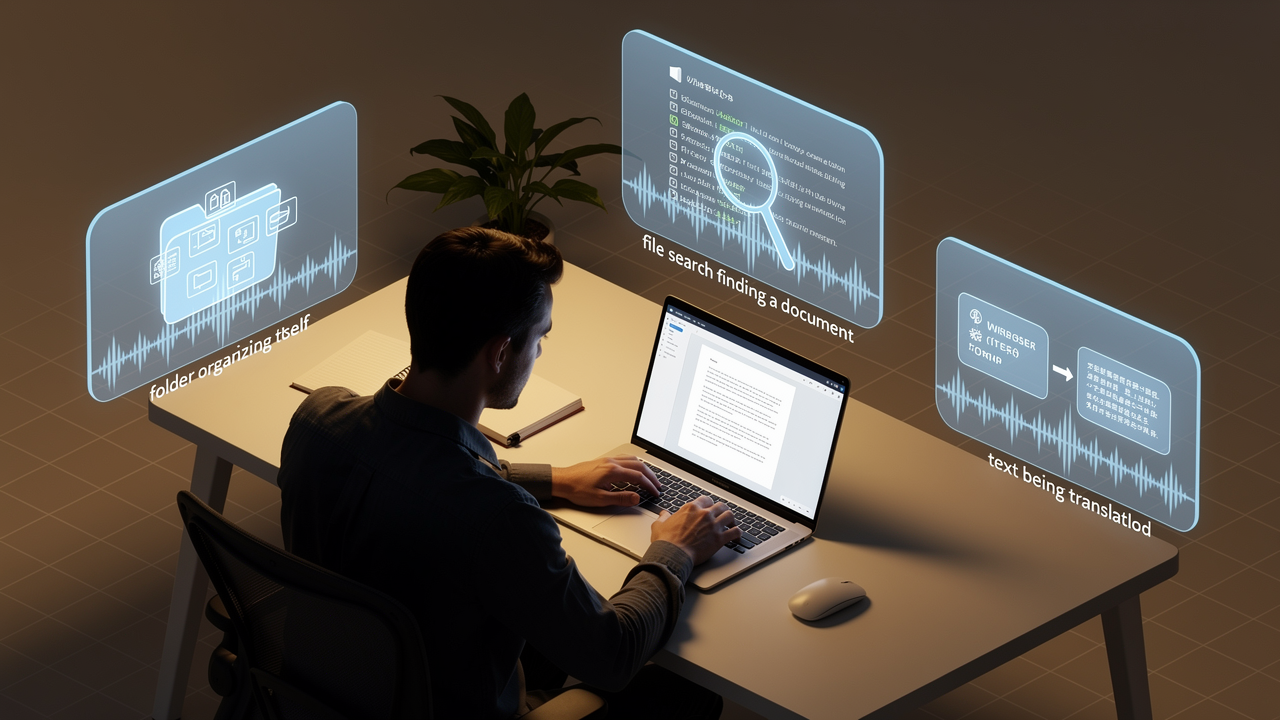
Owlfy AI task delegation — background tasks completing autonomously while you stay focused.
Your AI Productivity Layer
300+ Background Actions by Voice
Navigation & Launch
- Open any app or website
- Search any engine
- Navigate local folders
Text Processing
- Summarize highlighted text
- Rewrite or polish drafts
- Explain code or jargon
File & Media
- Batch convert to PDF
- Compress image sizes
- Remove silent parts in video
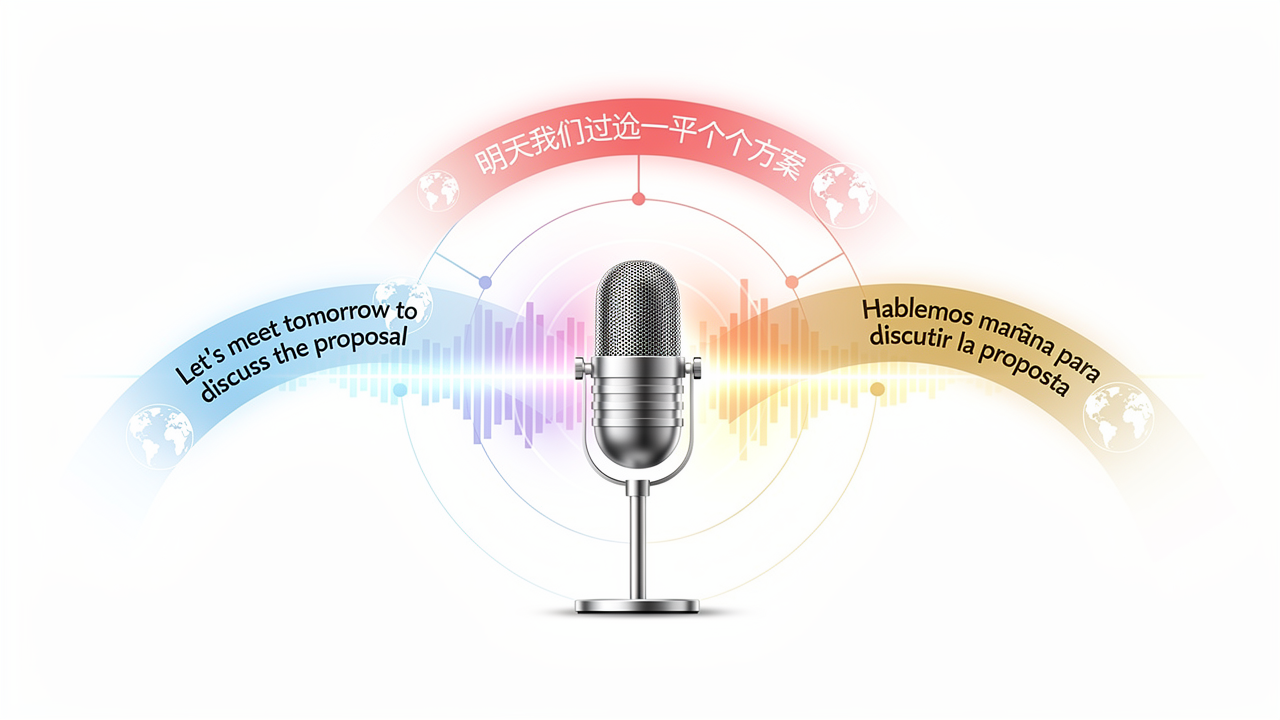
Owlfy auto-detects 100+ languages — voice input in one language, polished output in another, delivered in the active app.
Handling Multiple Languages
Without Switching Tools
For multi-taskers working across international teams, language switching is its own category of friction. Owlfy handles it in-place.
Real-time Translation
Speak in your language, output text in the target language directly in your app.
Role-aware Polishing
Output reads as if a professional bilingual writer produced it, with filler words filtered.
Whisper Mode
Full capability even at a whisper — perfect for shared or quiet office spaces.
The Three Voice Key Interactions
Everything Owlfy does for a multi-tasker flows from these three simple gestures.
Click (Voice Input)
Enter text by speaking — in any app, in any language. Replace typing for form fields, emails, and chats.
Hold (AI Assistant)
Trigger background tasks — file processing, app launch, search — while staying in your primary window.
Command Bar
Ctrl+Space. Type the same command you'd speak when you need to be silent. Same engine, zero voice.
Stay Focused. Stay in Flow.
Download Owlfy and experience the difference of voice-powered multi-tasking.
Keep your hands on your work, and your voice on the background.