
A meeting recorder that doesn't need to be invited.
Owlfy records, transcribes, and summarizes your meetings locally from your computer's audio. It works on every app, and no awkward bot ever joins the call.
We've all seen the awkward "Notetaker Bot" join a Zoom call, announcing to everyone that they are being recorded. Owlfy works differently. It listens to the audio passing through your computer's soundcard, meaning it works universally across every meeting app, without announcing itself, and processes the audio locally so your sensitive conversations never hit a cloud server.
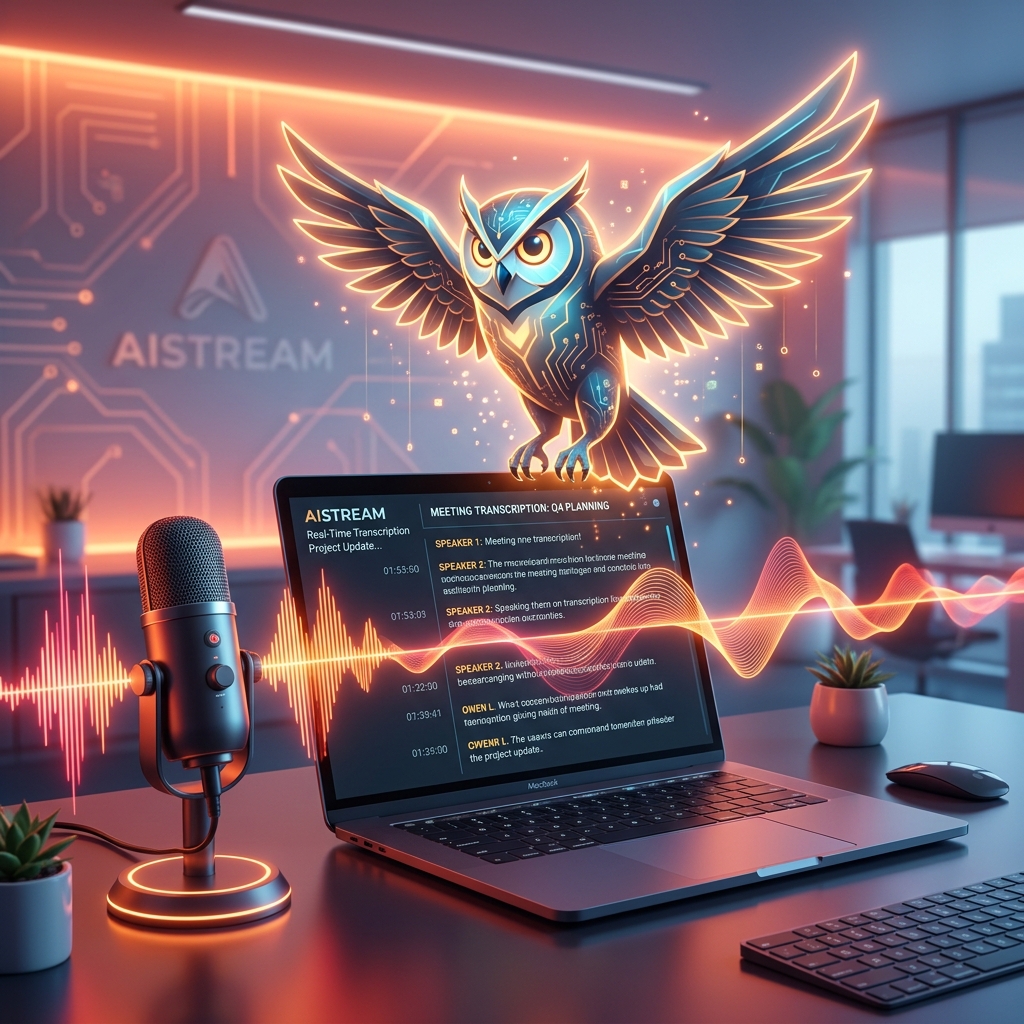
Any AppAI Meeting Transcription Software That Works on Any App
Owlfy doesn't require a bot to join your call or a specific platform integration. It records at the system level, so it works whichever app the meeting happens to be in.
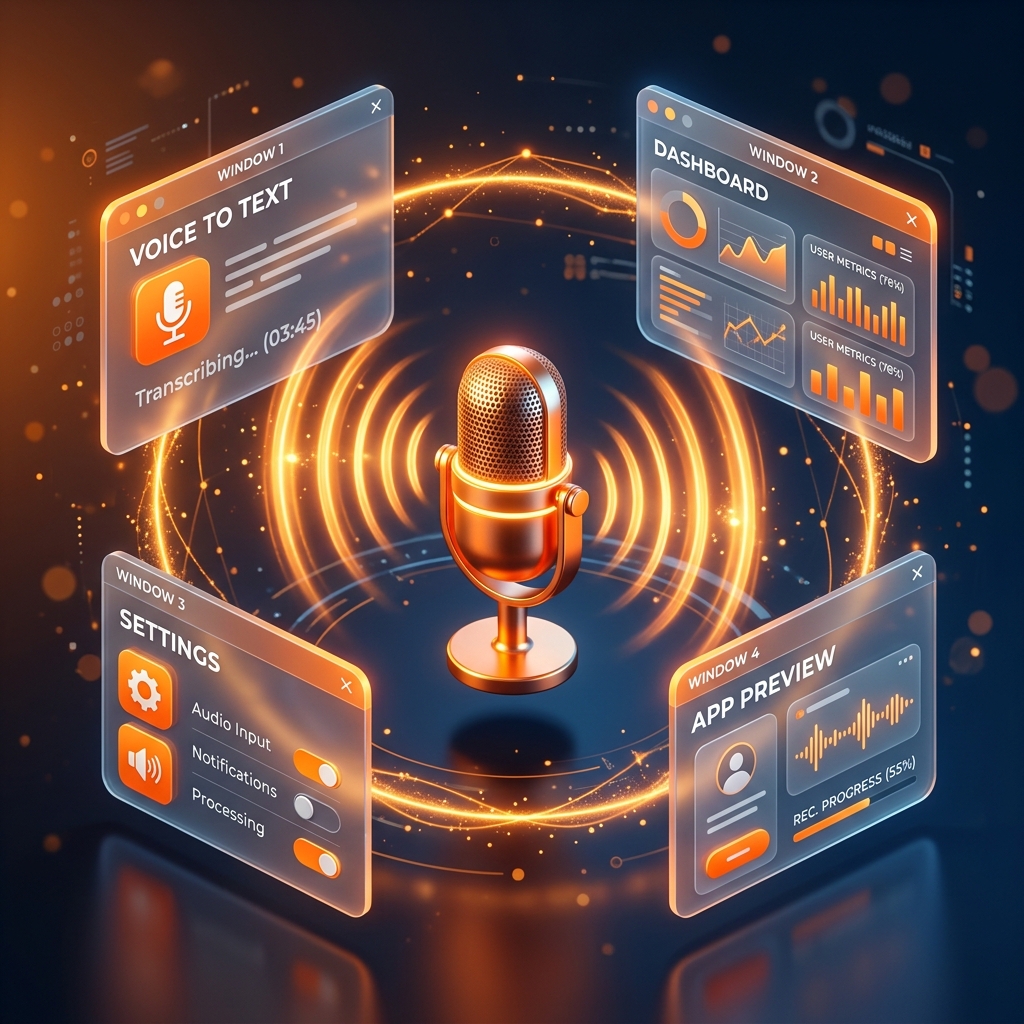
- Platform-agnostic recordingZoom, Teams, Meet, or an in-person conversation picked up through your microphone — Owlfy records the same way regardless.
- No bot, no invite requiredNothing needs to be added to the call itself for Owlfy to capture it.
Local & PrivateNotes Stored Locally — Nothing Uploaded
Meeting content is often the most sensitive material on your machine — deal terms, performance discussions, unreleased plans. Owlfy treats it that way by default.

- Local-first storageRecordings and transcripts are saved on your device, not routed through a third-party server first.
- Nothing shared without askingNotes stay put unless you explicitly choose to export or share them.
This follows the same local-first design covered in Owlfy's safety architecture.
Recording a meeting on the road? See how the same capture works in Owlfy for non-desk workers.
MemoryMeetings as Memory for Your AI Assistant
A transcript that just sits in a folder is only half useful. Owlfy can draw on what was discussed in a past meeting the next time you ask it for something related.
- Context carry-overAsk Owlfy to draft a follow-up email and it can pull directly from what was actually agreed in the meeting, not a generic template.
- Personalized outputLater requests — briefs, summaries, action lists — can reference names, numbers, and decisions from meetings Owlfy has already recorded.
Live SubtitlesLive Subtitles and Real-Time Transcripts
You don't have to wait until a meeting ends to see what's being said.
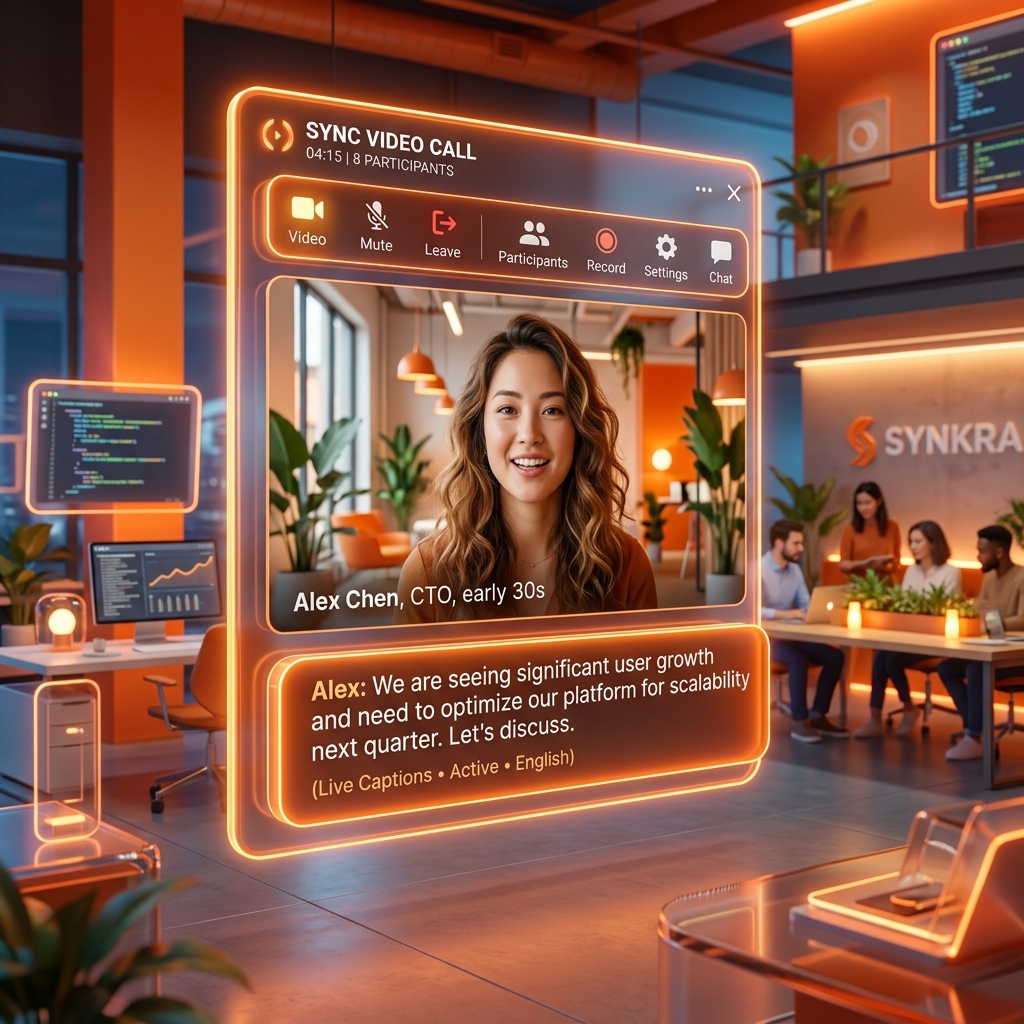
- Live subtitlesReal-time captions appear as the meeting happens — useful for noisy calls or when you've stepped away from audio.
- Revisit in-meetingScroll back through the transcript while the meeting is still running, without waiting for a post-call export.
Never take manual notes again.
Let Owlfy listen, transcribe, and summarize — securely and silently.