
Stop Copy-Pasting Between Apps:
How Owlfy Processes Everything In-Place
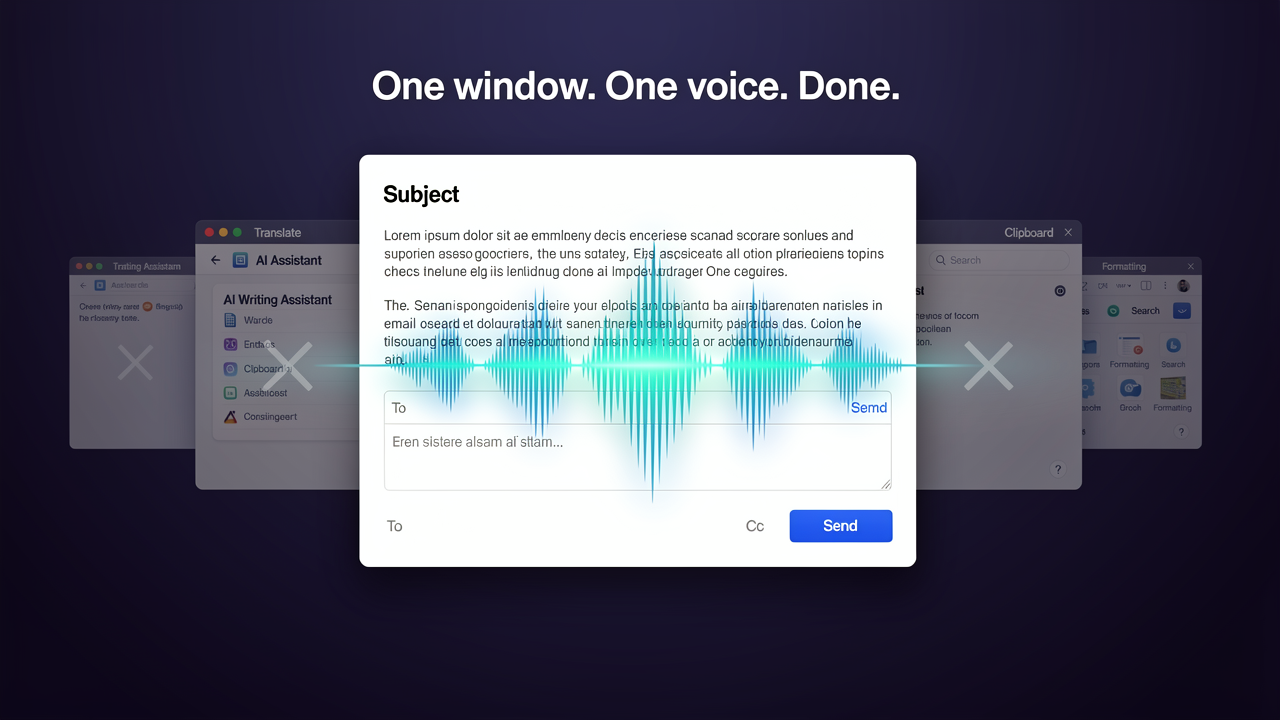
One clean app window. One voice command. Everything processes in-place — no tabs to open, no copy-pasting.
Count how many times today you have done this: highlighted text, opened a separate tool, pasted it in, waited for the result, copied it out, switched back, and pasted it in.
The Workflow Trap
If you use AI assistants, translators, or summarizers, you likely repeat this dozen of times. Each instance takes 60–90 seconds. Across a workday, it adds up to hours.
The Owlfy Solution
Select text in any application — hold the voice key — speak what you want — and the result appears in that same window. No second app. No broken focus.
The best tool is the one that's invisible. Owlfy's in-place processing makes AI invisible — it's just the text improving, in the window you're already in.
The Copy-Paste Tax:
What It Actually Costs You
Cognitive Fragmentation
Every application switch consumes mental overhead. After even a brief interruption, it can take 10–20 minutes to return to deep concentration.
90-Second Iterations
A 90-second copy-paste workflow, repeated 20 times, isn't just 30 minutes of lost time — it's the destruction of your sustained focus throughout the day.
How In-Place Processing Works
Simple. Instant. Seamless. Three steps to replace any context-switching workflow.
Select
Highlight any text in any application — email, browser, doc, spreadsheet, code, or chat.
Speak
Hold the voice key and describe your request. 'Summarize', 'Translate', 'Polished version'.
Done
The result appears in the same window, in-place. You never left the application.
What You Can
Process In-Place
Writing & Communication
Rewrite Tone: Select casual text, say "Rewrite professionally," and the polished version replaces it instantly.
Shorten & Strengthen: "Make this two sentences" or "Make this more compelling."
Research & Analysis
Summarize Articles: "Summarize in three bullet points." Digest appears beside the article.
Explain Complexity: "Explain this plain English." Perfect for legal or technical jargon.
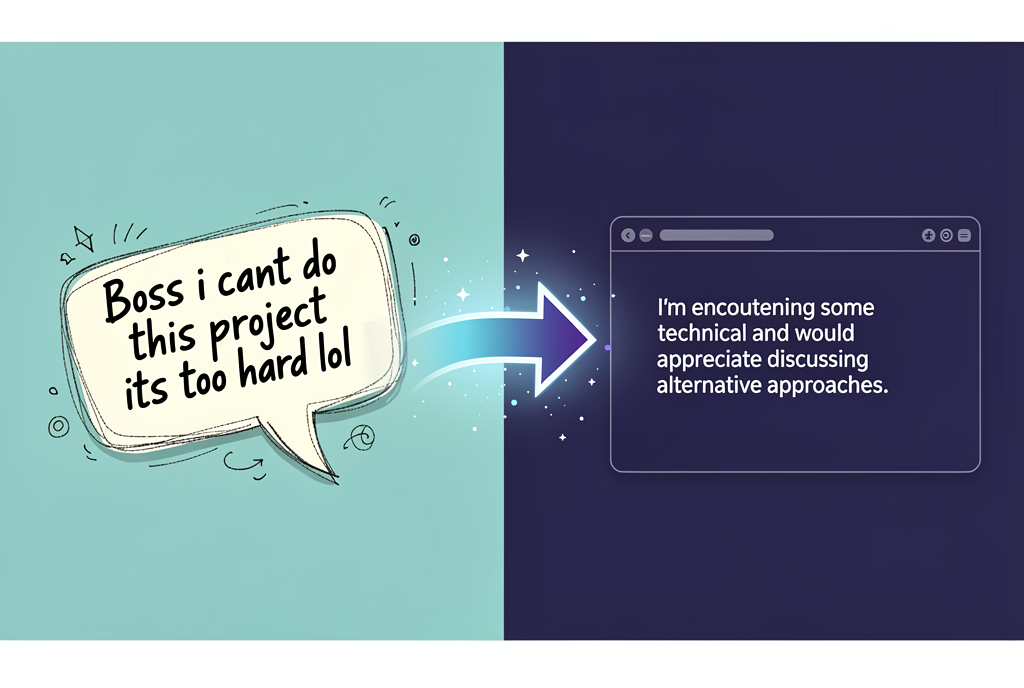
In-place text transformation — casual input to polished output in the same window, without copy-pasting.
What Stops When You Stop Copy-Pasting
Tab Bloat
No more open tabs for translators or grammar tools.
Mental Overhead
No more energy spent navigating between tools.
Re-engagement cost
Stay focused on your primary task uninterrupted.
Workflow Friction
Select → Speak → Done. 3 steps instead of 7.
Reclaim Your Workflow
Download Owlfy and eliminate the copy-paste tax today. Professional AI processing, right where you work.